
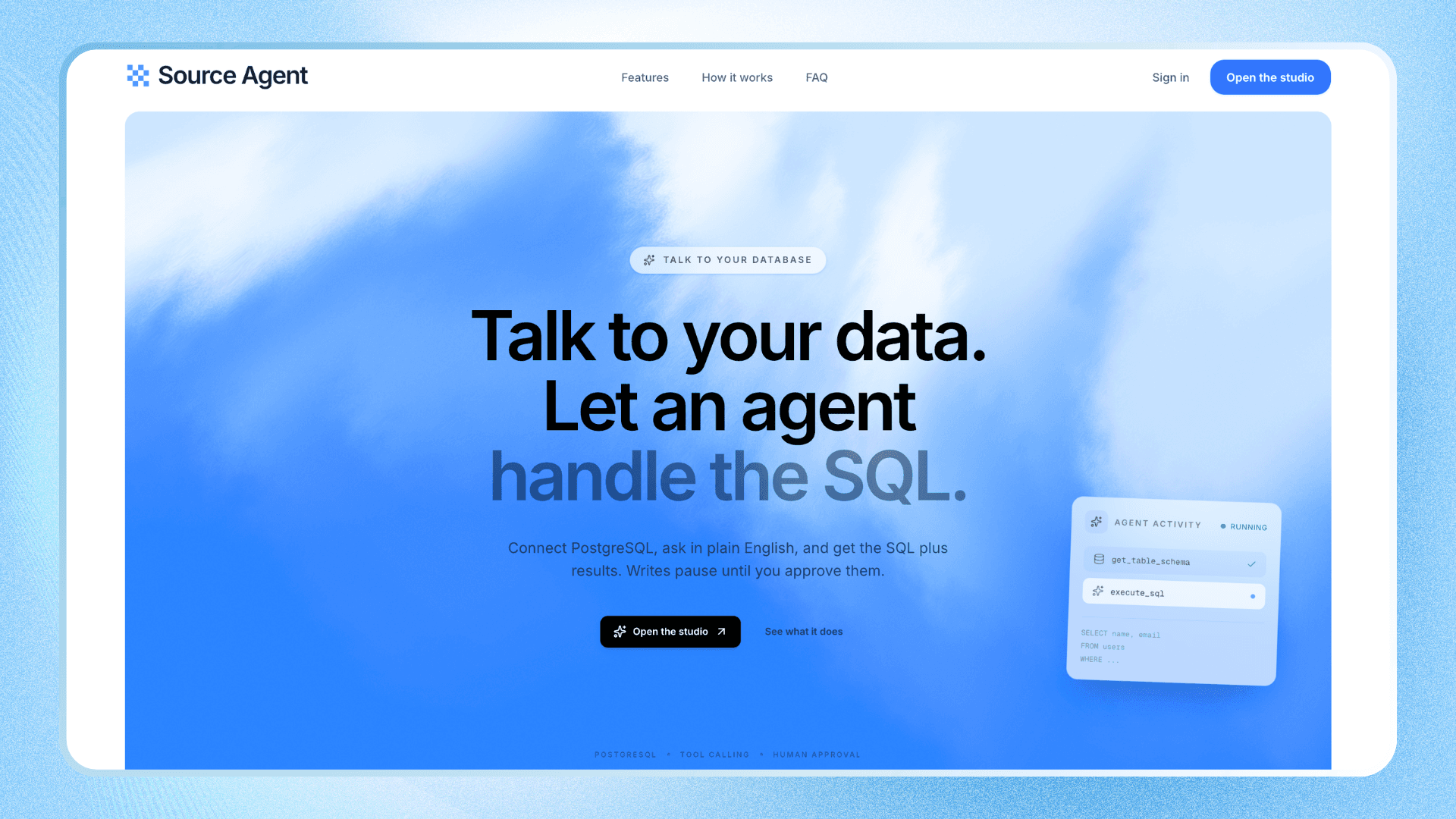
Source Agent
AI-powered PostgreSQL assistant that lets you query your database using natural language, inspect schemas, execute SQL, and approve write operations before execution.
Timeline
2 weeks
Role
Full stack Developer
Team
Solo
Status
CompletedTechnology Stack
Key Challenges
- Building a tool-calling AI agent that understands database schemas
- Orchestrating agent workflows with LangGraph
- Implementing human approval for SQL write operations
- Streaming agent activity and responses using Server-Sent Events
- Encrypting database and AI provider credentials
- Managing shared packages and applications in a Turborepo monorepo
Key Learnings
- AI agent architecture and tool calling
- LangGraph state management and checkpointing
- Human-in-the-loop workflows
- Server-Sent Events for real-time streaming
- Secure credential storage and runtime decryption
- Monorepo architecture and shared packages
Source Agent: AI-Powered PostgreSQL Assistant
Overview
Source Agent is an AI-powered assistant that lets developers interact with PostgreSQL databases using natural language instead of writing every SQL query manually.
Connect a PostgreSQL database, configure your preferred AI provider, and ask questions about your data. The agent inspects the database schema, selects the appropriate tools, generates SQL, executes queries, and streams the results back to the interface.
For write operations such as INSERT, UPDATE, and DELETE, the agent pauses and asks for explicit human approval before executing the query.
What Developers Can Do
- Query in Natural Language: Ask questions about database records without manually writing SQL.
- Inspect Database Schemas: Let the agent discover tables, schemas, columns, and sample data through dedicated tools.
- Execute SQL Queries: Generate and execute SQL against a connected PostgreSQL database.
- Approve Write Operations: Review generated SQL and approve or reject database mutations before execution.
- See Agent Activity in Real Time: Follow tool execution and assistant responses as they stream to the frontend.
- Manage Conversations: Persist conversations and messages so previous interactions can be revisited.
- Configure AI Providers: Bring your own API credentials and select a supported provider and model.
- Manage Database Connections: Store database credentials securely and use connected databases in conversations.
Why I Built This
Writing SQL requires understanding database schemas, relationships, and query syntax. I wanted to explore how AI agents could make database interaction more accessible without giving them unrestricted control over database operations.
Source Agent started as an experiment in building a practical AI agent and evolved into a full-stack application with database tools, stateful agent workflows, streaming responses, and human-in-the-loop execution.
The project gave me hands-on experience with:
- LangChain and LangGraph
- Tool-calling agents and structured state
- SQL generation and execution
- Human-in-the-loop safety workflows
- Real-time communication with SSE
- Secure credential management
Tech Stack
- Frontend: Next.js App Router, React, TypeScript, Tailwind CSS, shadcn/ui
- Backend: Node.js, Express.js, TypeScript
- Database: PostgreSQL, Prisma, Neon
- AI & Agents: LangChain, LangGraph, Google Gemini, Ollama
- Data Validation: Zod
- Real-Time Streaming: Server-Sent Events (SSE)
- Infrastructure: Turborepo, Vercel, Render
Key Highlights
- LangGraph Agent Workflow: Orchestrates database inspection, tool calls, SQL execution, and response generation.
- Database Tool Calling: Includes tools such as
get_tables,get_schema,get_table_schema,get_table_sample, andexecute_sql. - Human-in-the-Loop SQL Approval: Pauses write operations for explicit user approval and resumes the workflow after the decision.
- Real-Time Agent Streaming: Uses SSE to stream tool activity, assistant messages, approval requests, and completion events.
- Persistent Conversations: Stores messages and conversation history for future access.
- Bring Your Own Key (BYOK): Allows users to configure their own AI provider credentials and model.
- Encrypted Credentials: Stores database and AI provider credentials encrypted rather than as plaintext.
- SQL Safety Controls: Validates SQL, blocks multiple statements and selected dangerous operations, limits returned rows, and tracks SQL attempts.
- Monorepo Architecture: Separates the frontend, backend, agent, database client, and shared utilities into maintainable applications and packages.
Architecture
Source Agent is organized as a Turborepo monorepo:
apps/frontend— Next.js application and user interfaceapps/backend— Express API and conversation handlingpackages/agent— LangGraph workflows and database toolspackages/db— Prisma schema, migrations, and database clientpackages/shared— Shared types and utilities
The backend coordinates database access and agent execution, while LangGraph manages the workflow state and supports interrupting and resuming operations that require approval.
What I Learned
- Designing agent workflows that use tools to gather context before acting
- Managing stateful agent execution with LangGraph
- Implementing checkpointing and resumable human-in-the-loop workflows
- Streaming incremental AI responses and tool events to a frontend
- Designing SQL execution safeguards for AI-generated queries
- Structuring a full-stack AI application with a monorepo architecture
- Separating AI provider configuration from the conversation layer
Future Plans
- Support additional data sources such as MongoDB, CSV, and Excel
- Add query visualization and richer result exploration
- Introduce query history and agent tracing
- Build evaluation workflows for measuring query-generation quality
- Add more granular SQL permissions
- Enable conversations across multiple data sources